3 catalogue changes
Added3

Wiki notes
Automatic catalogue update.
What changed on the wiki, and when. Release times are shown in Europe/Vienna.
These timestamps mark wiki publication, not game release dates. Detailed tracking begins with the recorded releases below; older catalogue entries were already present.
Automatic catalogue update.
Automatic catalogue update.
Automatic catalogue update.








































Automatic catalogue update.




Automatic catalogue update.
Automatic catalogue update.


Automatic catalogue update.





Added a Buy Me a Coffee support link in the wiki header.
Automatic catalogue update.



Automatic catalogue update.
Automatic catalogue update.
Automatic catalogue update.

Automatic catalogue update.







Automatic catalogue update.

Automatic catalogue update.
Automatic catalogue update.
Automatic catalogue update.






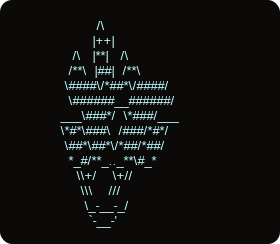


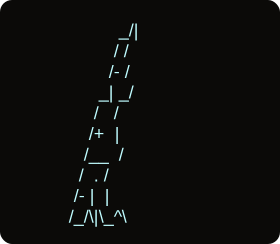


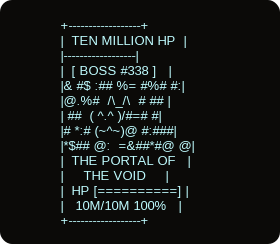
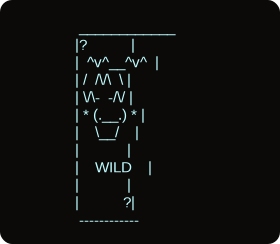


















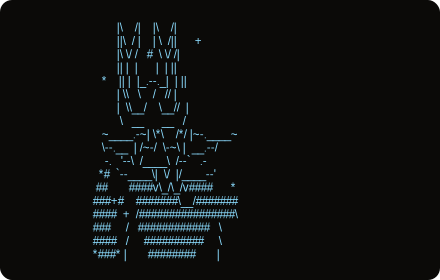
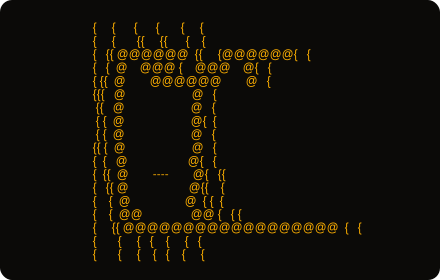

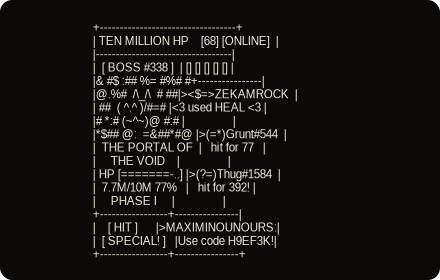
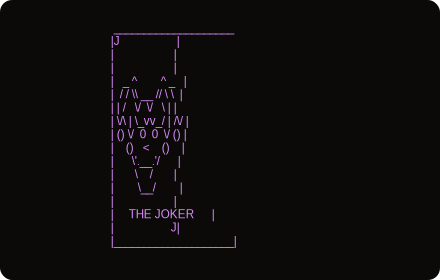











Automatic catalogue update.










































































Automatic catalogue update.
Automatic catalogue update.
Automatic catalogue update.




































































































































































































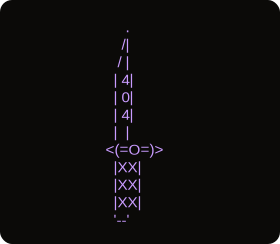

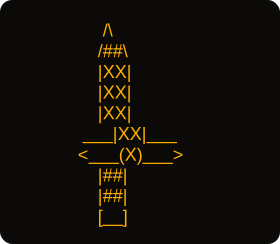
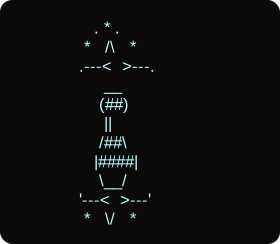

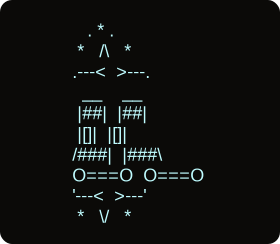












































Automatic catalogue update.
Automatic catalogue update.
Automatic catalogue update.

Automatic catalogue update.
Documented another secret achievement in the spoiler section.
Achievements: grouped requirements and shard rewards, searchable categories, and a separate secret-achievement spoiler section.



















Automatic catalogue update.
Automatic catalogue update.








Automatic catalogue update.
Automatic catalogue update.
Automatic catalogue update.
Automatic catalogue update.
Automatic catalogue update.
Automatic catalogue update.

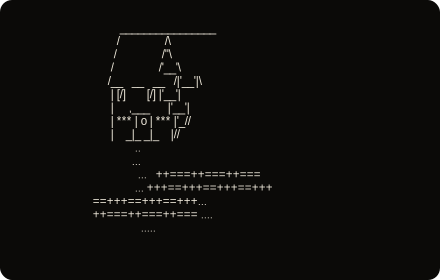
Show top damage and healing leaders in the Void Cat Hall of Fame
Removed Void Cat quotes and live connections; preserved the final battle stats, top-ten rankings and all player Memories.



Automatic catalogue update.




Updated Stat Caps and item comparisons to match the reviewed game client: Loot and Box Find have no upper cap; Loot retains a -70% floor, Damage stays between -50% and +50%, and Free Attack is capped at 25%. Automatic source checks support the new definitions.
Events now use readable rows with full effects, rewards, duration, triggers and approximate 1-in-N frequencies. Added the official event scheduling overview, tracked automatically by Wiki Studio and cloud updates.
Clarified conflicting public cap definitions: Box Find and Loot upper limits are unconfirmed because the equipment and saved-loadout code disagree. Added both source links and automatic monitoring of loadout limits. Corrected the Forge menu location to Events.
Added The Forge with all 16 Sovereign items, Apex and Eternal collections, artwork, prices, contribution rules and shareable Forge/collection filters. Wiki Studio and cloud updates now track Forge changes. Updated cap evidence for Box Find and Loot from the current public client.
Automatic catalogue update.
Added Stat Caps: developer-announced gear limits and floors, source links, and automatic monitoring of the public capped-stat list. Numeric server-only limits require a new official source to verify changes.

Exact per-item chest odds, shareable comparisons and wiki-wide search. Added scrolls, daily reward guidance and badges, plus box/theme/trade-off filters and removable filter chips. New reference entries are newly documented on the wiki, not necessarily new to the game.
Added an Events section with effects, rewards, durations and linked reward boxes. Wiki Studio now tracks event changes. These 18 events are newly documented on the wiki, not necessarily new to the game. Refreshed the catalogue with two new bosses and their unique items.
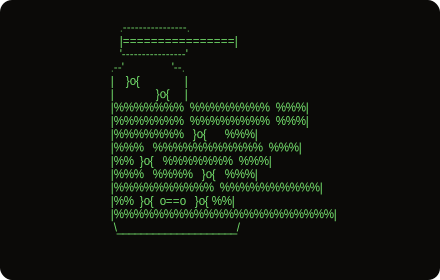
New wooden crate and iron chest items!
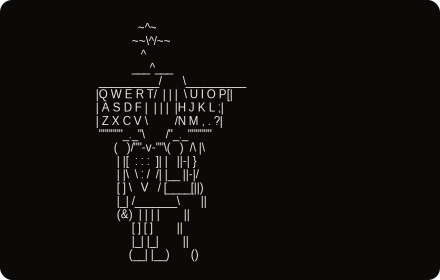
Character profiles: public loadouts, per-item upgrade paths, totals and caps, acquisition odds, and an optional 3D ASCII viewer.
Lore pages now use the standard wiki header, navigation and theme controls.
Charm ultimates: exact item effects, shareable filters and comparisons.
Verified duplicate boss and item links; added automatic identity checks and exact current-boss matching in wikilinks.
Boss dialogue is visible beneath each phase, including the defeated artwork.
Boss phase dialogue is now always visible.
Added wikilinks to User Scripts and boss dialogue under each phase.
User scripts: community submissions and updates, admin approval, install-click counts, and sorting by publication date, name or downloads.
Script downloads and gallery updates can now publish independently.
Use the verified uncached download origin for Loadout Viewer installation and updates.
Ensure Loadout Viewer installation and update files revalidate after publication.
User Scripts gallery: Combat & Drop Stats, Upgrade Companion and Loadout Viewer, with previews, install guides and automatically refreshed gear artwork. Companion 1.0.7 matches the supplied terminal styling.
Upgrade Companion 1.0.6: amber terminal tabs and current-boss unique drops with stats and base odds.
Upgrade Companion 1.0.5 adds a City item filter, clearer upgrade rules, tick-box stat priorities and a shorter interface and help page.
Upgrade Companion 1.0.4 adds a golden anvil and green upgrade-arrow icon for the Chrome toolbar and extension manager.
Upgrade Companion 1.0.3 supports Blacksmith merged and rerolled equipment: exact private copy stats, merge ranks, cap-aware comparisons and a readable equipment snapshot.
Upgrade Companion 1.0.2 adds remembered Forge and boss-unique filters, plus best-available and tied-best labels for your selected goal.
Upgrade Companion 1.0.1 fixes Inventory reading: request game-site access from the Read button, validate the active tab, and preserve saved equipment when access is declined.
Upgrade Companion: private Chrome equipment comparisons, clear and cap-aware upgrades, selectable loot and estimated damage goals, custom attribute weights, acquisition odds and a free public data API.
Lore animations now default to 2× speed. Removed the ASCII theatre labels and restored FOLD’s yellow accents.
FOLD now matches the Cat chronicle layout, including birth and death dates, lifespan and animation controls.
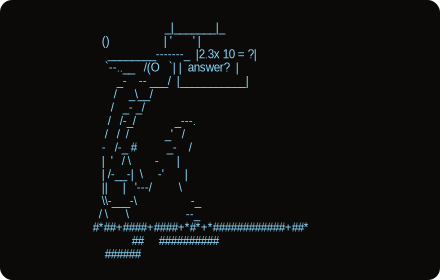
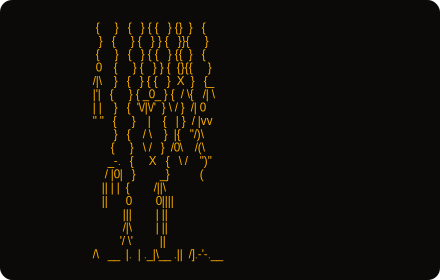
FOLD: The bird who lived. Removed narration and added event economy statistics from Conrad’s report.
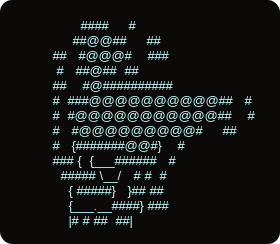
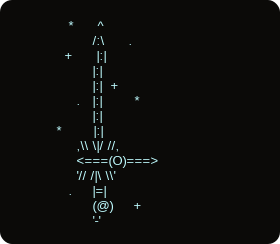
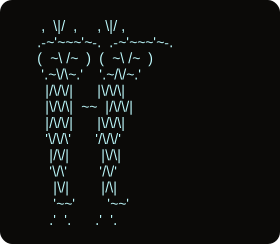
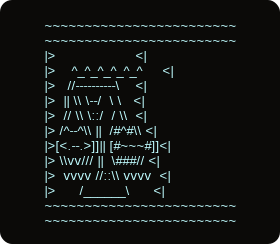
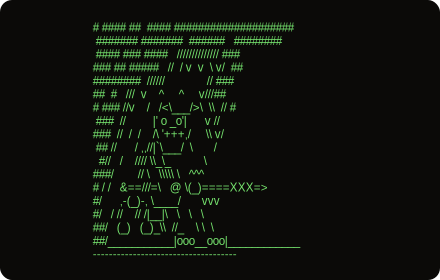
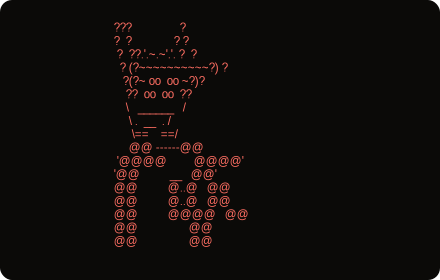
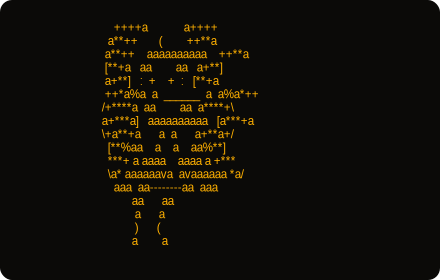
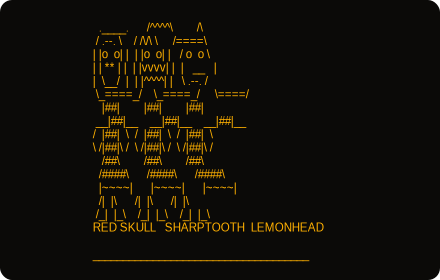
Added FOLD, Boss #363: a five-act ASCII chronicle, five Sovereign forge records, final battle rankings, city donor snapshot and a separate player guestbook.
Restored the player damage chart with official healing HP and damage-minus-healing deltas. Unpublished damage remains unknown; all Memories are preserved.
Added Lore navigation with the cat story selected by default, a cat-heaven ending, lifespan dates and the official Hall of Fame healer and attacker lists. Player Memories are preserved.
Removed generated narration from the Void Cat page; animation chapters now show player quotes only.
Simplified the Void Cat chronicle and added live top-ten damage, attack and crit records with preserved final standings.
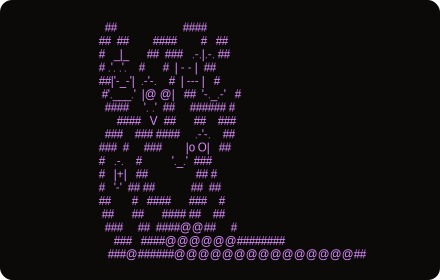
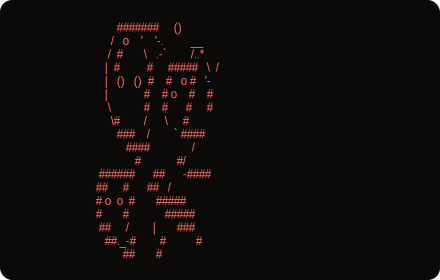
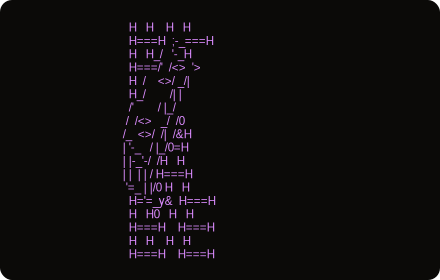
Added Memories to the Void Cat chronicle with player notes, timestamps, coloured ASCII drawings and pagination.
The Void Cat’s live battle totals now update for all visitors through a shared cached connection.
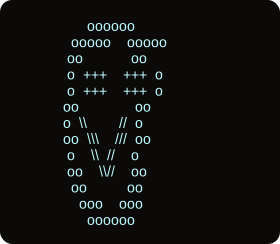
Added The Void Cat, an animated ASCII chronicle of MEOW and the Voidbreakers. Battle totals and story figures refresh live, the ending follows the cat’s final result, and update times are shown for New York, Vienna and Singapore.
Chest odds now align above the footer across item cards, regardless of the number of stats.
Stat tabs now filter cards and tables consistently, with All Stats still the default. Item cards align within each row without extra grid-wide height. Mobile navigation is now a compact Browse wiki menu.
Improved dark-mode text, placeholder, border and keyboard-focus contrast across all wiki search and filter fields.
Fixed item filter text and cursor contrast in dark mode.
Fixed item filter text and cursor contrast in dark mode.
Clear upgrade lists now show the original stat value in brackets alongside each improvement.
Clear upgrade lists now highlight improved stats and show gains compared with the original item. Item cards show compact per-opening chest odds, with more chests expandable.
Item details now show clear upgrades with a match count, or a no-upgrades message. Upgrade lists compare every stat within the same slot and can be shared.
Shorter sharing links for items, bosses, filters and comparisons. Existing links remain supported.
The wiki is now available at 1mhp.fyi. Shared item and boss previews and canonical links use the new domain.
Simplified Stat Caps to the cap cards and their individual source links.
Item comparisons now show gear caps and known floors beside the relevant stats, linked to Stat Caps. The comparison explains that extra bonuses stop helping once total equipped gear reaches a cap.
Drop percentages now show an approximate 1 in N probability in item cards, tables, details and loot-box rewards. Removed Rewards & badges links redirect to the item catalogue.
Removed the Rewards & badges section.
Wiki presentation update.
Removed the blue change-marker lines from the item comparison table.
Items now show the latest added or updated entries first by default. Shared links with an explicit sort keep their chosen order.
Loot-box reward captions now use the game’s rarity colors and effects.
Items without a recorded date now display “Pre-wiki”.
Filter the catalogue by New, Updated, or both, and sort by date added, date updated, or latest change. Filters and date sorting can be shared in the URL.
New and Updated badges now appear in the normal item list and open dated change details. Catalogue changes take priority on What’s New; wiki-only updates are collapsed by default.
Release-filtered items now show a compact New or Updated badge beside their slot and rarity. Detailed changes remain in item popups.
All Stats now uses a compact comparison table with sortable columns, pinned item names and headers, a highlighted sort column, and a stat key for abbreviated labels.
Cards are now the default item view, with consistent card heights. Loot-box contents are sorted by chance, lowest first.
Unified the header, navigation and page spacing across the wiki. Item links now open details without leaving the current page. Added release and change-type filters, with New/Updated item badges and before/after changes.
Dark mode is now the default, with a remembered light/dark toggle on every page. Filter items by multiple positive stat bonuses and share the selection in the URL. Removed the support banner.
Added loot-box pages with artwork, contents and odds, plus links between boxes and eligible items. Added searchable release history with dated catalogue changes.
Simplified rarity filtering, added a clearer link to the game, and clarified that this is an independent fan wiki.
No matching releases.